How to Format and Validate JSON (and Fix Common Errors)
One missing comma can break an entire API call. Here is how to format JSON, find the error and fix it quickly.
By DocConvertPRO Editorial Team3 min read
JSON is the everyday language of web APIs, config files and data exports. It is simple, but it is also strict. A single trailing comma or a pair of single quotes can make a whole file invalid, and the error message from your application is not always helpful.
Why format JSON at all?
APIs often return JSON squashed into one long line. That is efficient for machines but unreadable for people. A formatter, also called a pretty-printer, adds indentation and line breaks so you can see the structure at a glance.
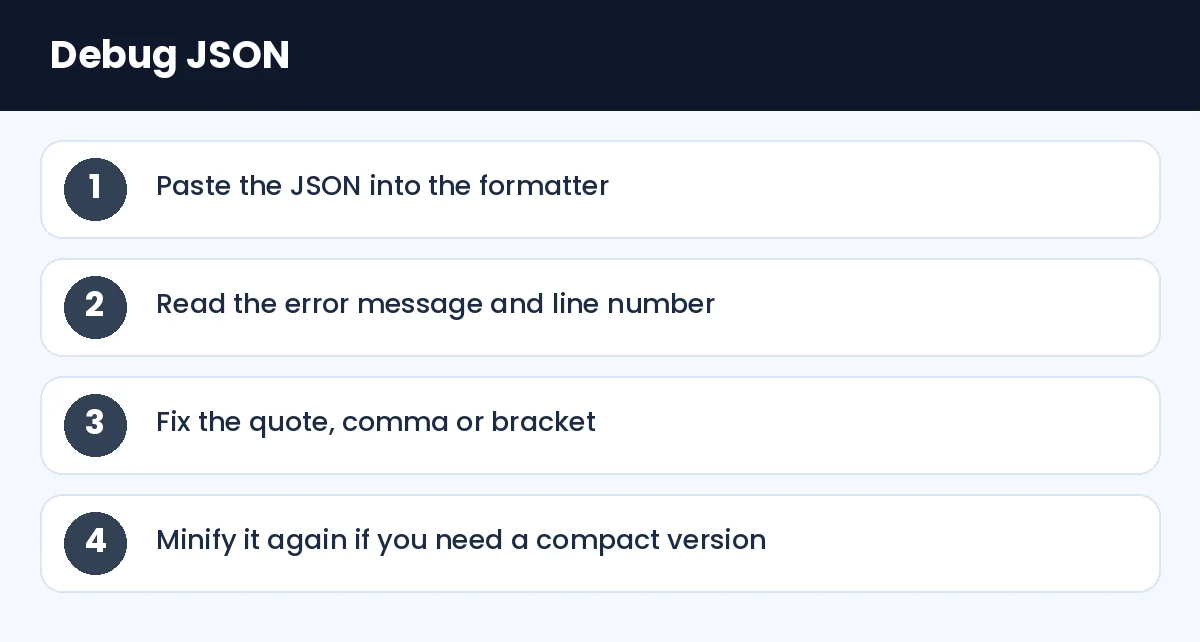
How to Format and Validate JSON (and Fix Common Errors): Debug JSON (infographic)
Format and validate
Paste your data into the JSON formatter. If the JSON is valid, you will see the neatly indented version. If it is invalid, the JSON validator points to the position of the problem. Fix that, and run it again. Often there is more than one error, so keep going until it is clean.
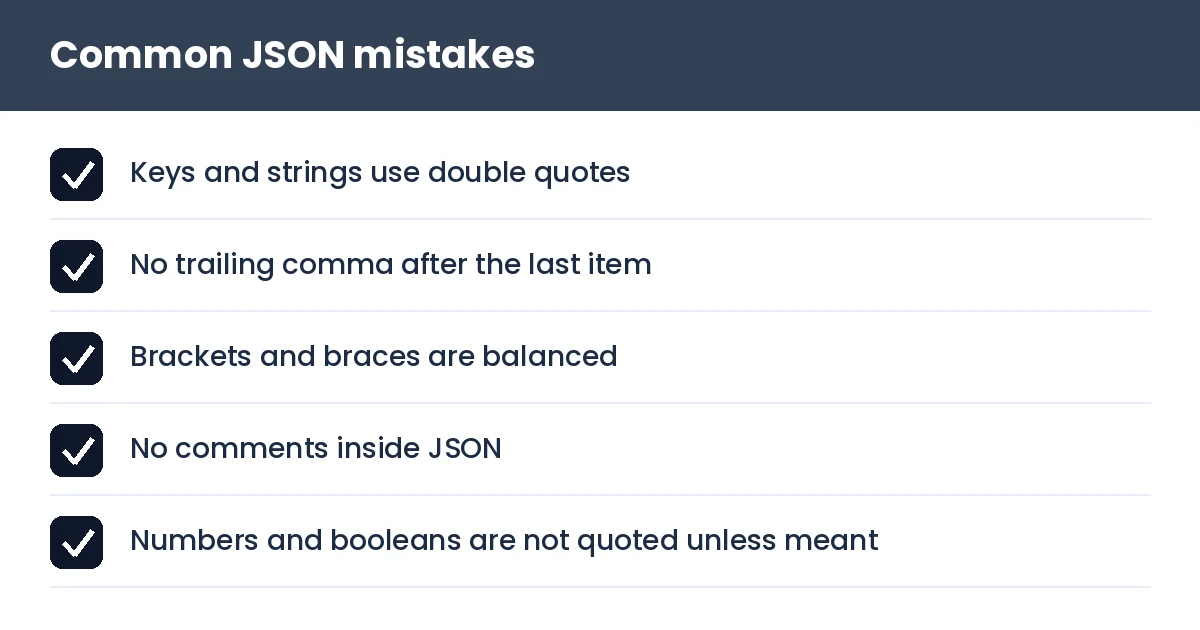
2. Single quotes. JSON requires double quotes around keys and string values. {'name': 'Asha'} is invalid, {"name": "Asha"} is valid.
3. Unquoted keys.{name: "Asha"} works in JavaScript code but not in JSON.
4. Comments. JSON has no comment syntax. If you add // note it will fail to parse.
5. Mismatched brackets. Each { needs a } and each [ needs a ]. A formatter with indentation makes missing ones obvious.
Minify when sending
Once the data is correct, the JSON minifier removes spaces and line breaks. This reduces size when you send data over the network or store it in a small field. Keep the pretty version for your own reading.
Sorting keys for comparison
If you need to compare two JSON files, key order can make them look different even when the content is the same. The JSON sort keys tool arranges keys alphabetically, and the text compare tool then shows only the real differences.
Converting formats
Sometimes a spreadsheet person needs the data. JSON to CSV converts a list of objects into rows and columns that open in Excel. In the other direction, CSV to JSON turns a table into JSON. Other conversions such as JSON to XML and JSON to YAML exist for configuration and legacy systems.
Tip: when copying JSON from a chat or a document, watch for "smart quotes". Curly quotes look like quotes but are different characters and break parsing.
How to Format and Validate JSON (and Fix Common Errors): Common JSON mistakes (checklist)
A note on privacy
API responses can contain tokens, emails or personal data. Prefer tools that run in your browser, and remove secrets before sharing a sample with anyone.
Summary
Format to understand, validate to find mistakes, minify to send. Learn the five common errors and you will fix most JSON problems in under a minute.