How to Compress a PDF to a Specific Size in KB (Without Making It Blurry)
Why some PDFs turn blurry when compressed, and how to reach a 100 KB, 200 KB or 500 KB target while staying readable.
By DocConvertPRO Editorial Team3 min read
How to Compress a PDF to a Specific Size in KB
Job portals, bank KYC pages and scholarship forms often say: "Upload a PDF below 200 KB". Reducing a file to an exact limit is easy to do badly. This guide explains what actually makes a PDF big and how to shrink it while keeping it readable.
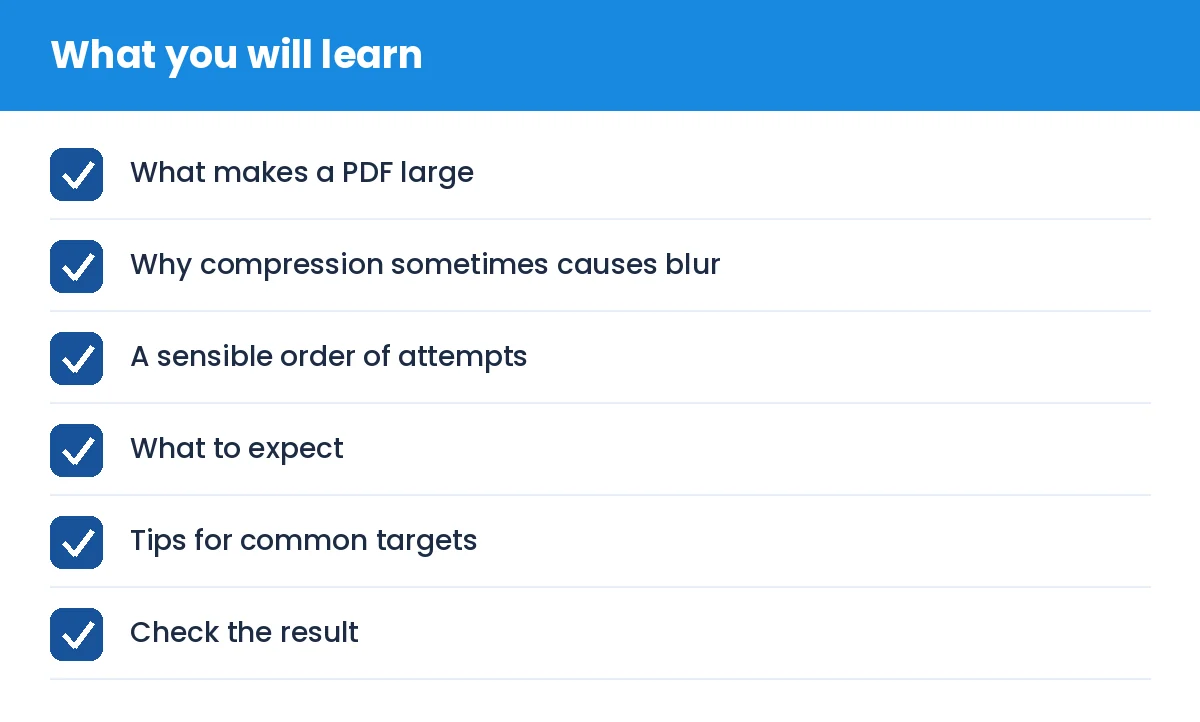
How to Compress a PDF to a Specific Size in KB (Without Making It Blurry): what you will learn
What makes a PDF large
A PDF is a container. Pages made of real text and vector shapes are tiny, often a few KB per page. Pages made of scanned photographs are large, because each page is one big image. A phone-scanned 10 page document can easily be 8 MB.
Why compression sometimes causes blur
To shrink an image-based PDF, a tool lowers the resolution or the JPEG quality of each page. If it lowers them too far, text becomes soft and hard to read. A good approach never goes lower than it needs to. It tries the highest quality first and steps down only until the target is met.
A sensible order of attempts
Check if the file already fits. If it is under the limit, leave it alone.
Remove what you do not need. Delete blank pages, or split out only the pages the portal asks for.
Re-scan at a lower setting. If you control the scanner or scanning app, choose 150 dpi black and white or greyscale for text documents. This alone can cut size by 80 percent.
Compress with a tool that keeps quality as high as possible. Our PDF size tools search for the sharpest result that still fits your target.
What to expect
Text documents compress very well.
Photos and colour scans compress less, so a 50 KB target for a 20 page colour scan may be unrealistic. In that case the tool tells you the smallest readable result instead of producing an unreadable file.
Compressed output from a browser tool is image-based, so text cannot be selected or searched. Keep your original file.
Tips for common targets
100 KB: works for 1 to 3 pages of text or a single ID card.
200 KB: usually fine for a few pages of marksheets.
500 KB: comfortable for 5 to 10 scanned pages in greyscale.
Check the result
Open the new file and zoom to 100 percent. Read a small line such as a roll number or date aloud. If you cannot read it comfortably, the portal reviewer may not be able to either, so increase the target or reduce the page count.
Your PDFs are processed in your browser by our tool, so the document stays on your device.